How to use Bluebox
Read these instructions before handling Blueboxes.
Before the event
Rent
See OResults/Organize to rent a Bluebox for your event.
Charge
The battery life of the Bluebox is approximately 20 hours, so it will last for two standard weekend stages on a single charge.
The Blueboxes are charged using the micro USB connector located under the cover on the side of each unit. Use the charger provided in the rental set. In case you want to use your own charger, it must have a nominal output voltage of 5V.
Setup SSR stations
Make sure the SportIdent SRR stations are set-up properly (see How to set up a radio control)
Check your devices
Once we send out Blueboxes to you, you should see them under your account in Devices menu. If they are missing, contact us.
On the day of the event
Link Bluebox to the Event
In the event edit page, see available devices under your account and link the Blueboxes to the event. This ensures punches are assigned to correct event. (see How to manage events)
Placement
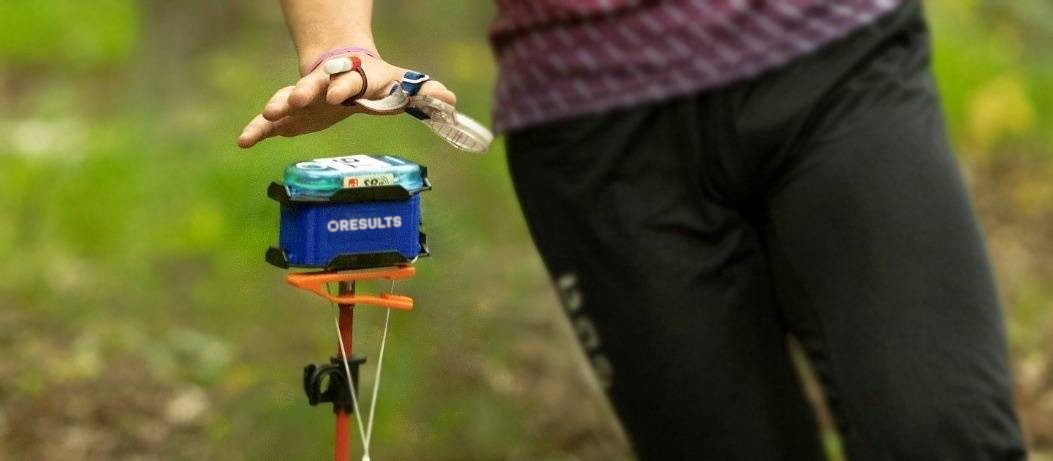
Turn on the Bluebox and simply snap it onto the stand with the SI station already snapped onto the top of the Bluebox. The Bluebox can receive the punch from max distance of 2 meters.
Switch on the Bluebox before handing it to the person delivering it to the control point. The Bluebox may lose signal during transport, but don't worry — it should reconnect automatically within a few minutes.
Run-through controls
The punch data is sent from SIAC itself not the SRR controls, this has to be taken into account on fast run-through controls (on sprint, last and finish controls).
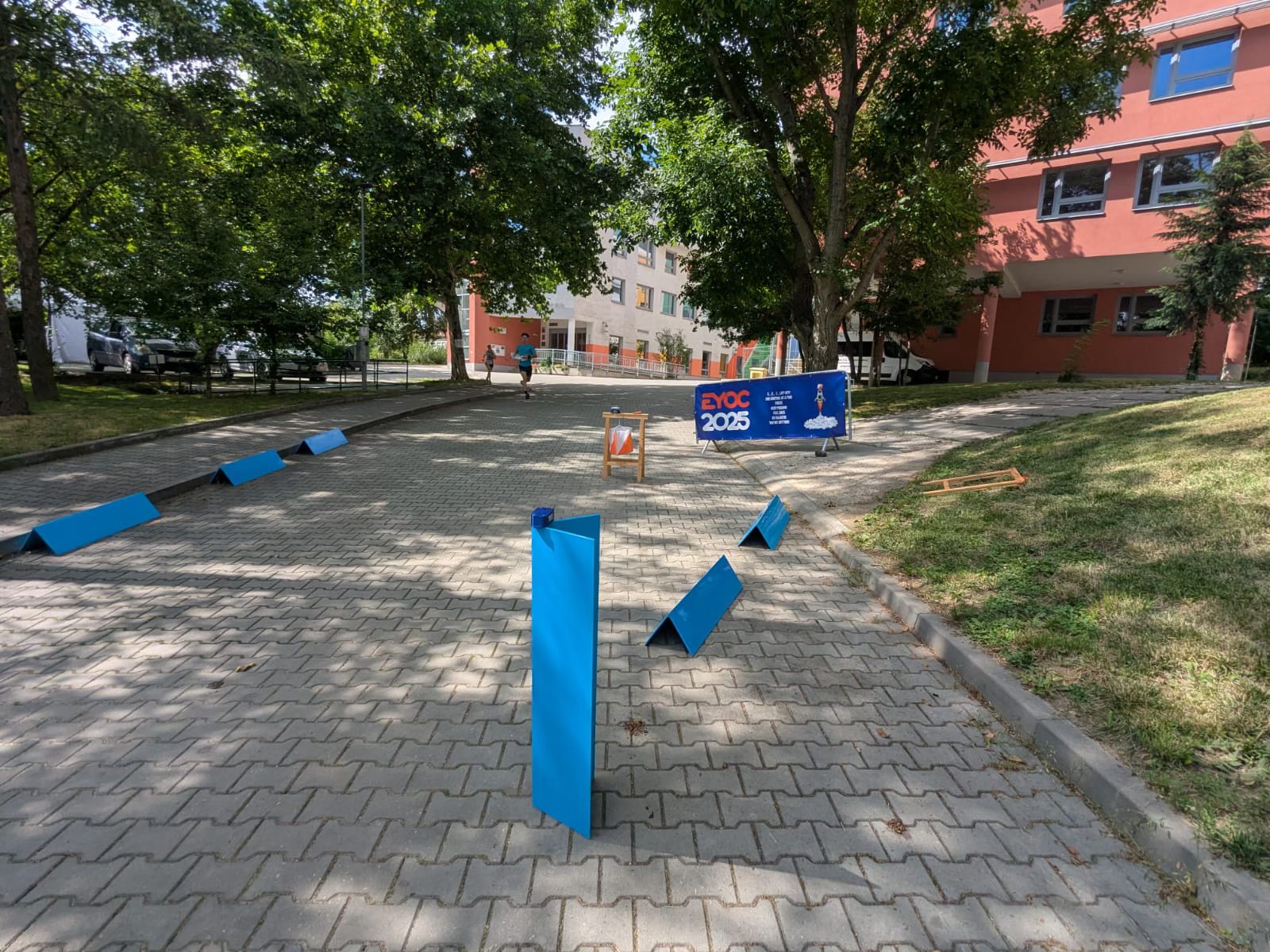
It's best to place the Bluebox separately behind the controls and guide the runners to the Bluebox - think about where the runner will be 1s after punching the unit.
For finish we recommend placing the two finish controls at the finish line and one Bluebox in between them 1m behind the line.
See an extreme example from EYOC, where the last control was at a downhill path, the Bluebox a few meters behind the control, with a guide for the runners.